Station Calculator
Interactive station-design assistant. Add modules to a simulated station design, toggle workforce/secondary-resource effects, then see the resulting Production and Consumption forecast. Purely a planning tool — doesn’t build anything.
In-game view
Section titled “In-game view”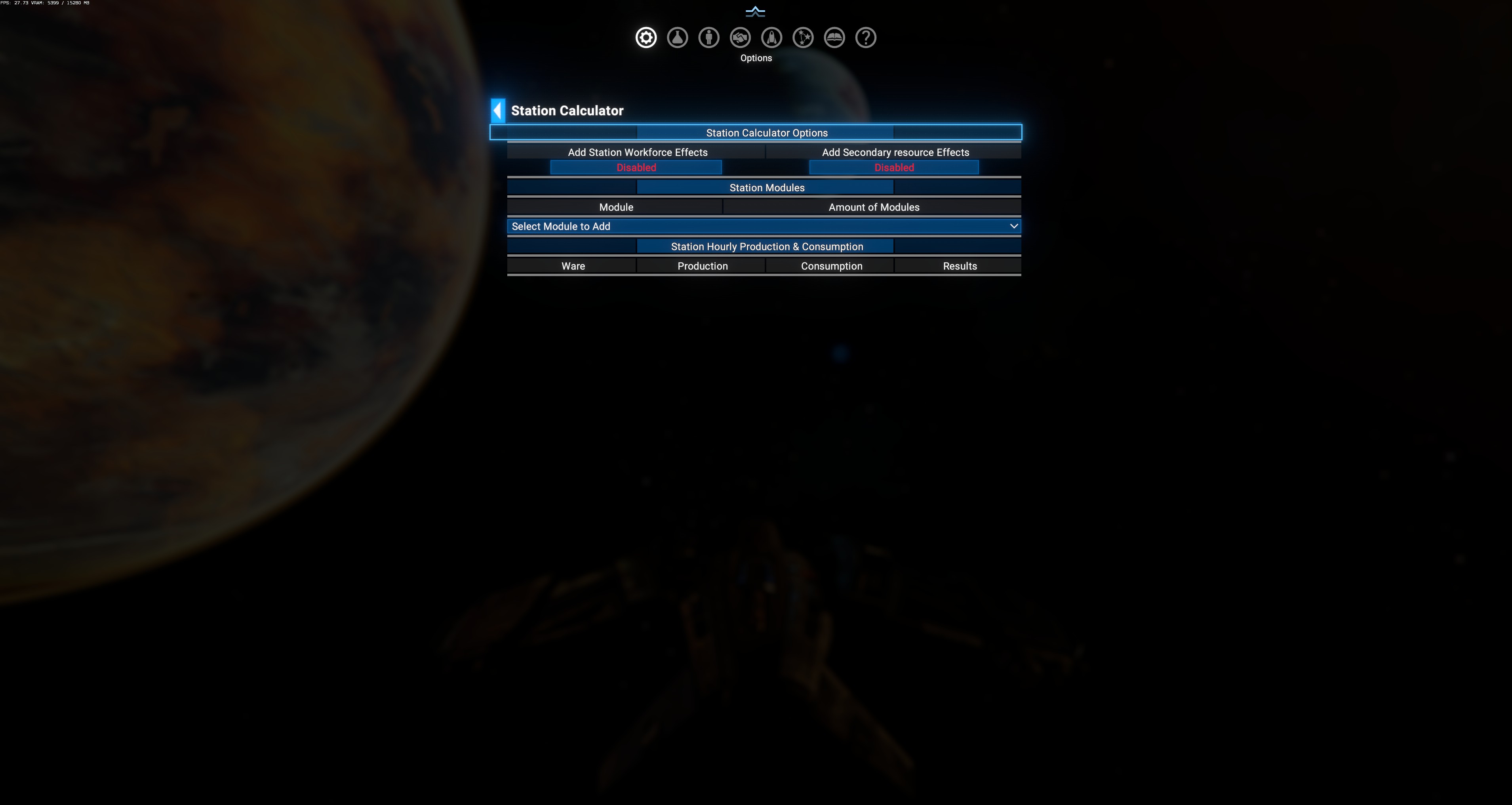
Layout
Section titled “Layout”Three stacked sections:
1. Station Calculator Options
Section titled “1. Station Calculator Options”| Toggle | Default | Effect |
|---|---|---|
| Add Station Workforce Effects | Disabled | When on, includes workforce production bonuses in the forecast (workforce-boosted production runs 50% faster). |
| Add Secondary resource Effects | Disabled | When on, factors in secondary-resource optimizations (some modules run more efficient with specific secondary inputs). |
2. Station Modules
Section titled “2. Station Modules”- Module column (populated as you add).
- Amount of Modules column (per-row count).
- Select Module to Add dropdown — click to open, pick a module type from all available. Each selection adds a row (or increments an existing row).
3. Station Hourly Production & Consumption
Section titled “3. Station Hourly Production & Consumption”- Ware — ware name.
- Production — hourly units produced (from your selected modules).
- Consumption — hourly units consumed.
- Results — net (Production − Consumption). Positive = surplus you can sell, negative = shortage you need to import.
How to use
Section titled “How to use”- Open the menu (the observed screenshot is a fresh session — no modules added yet).
- Click Select Module to Add dropdown, pick e.g. “Advanced Composites Production”.
- Adjust its Amount in the Station Modules section (default 1).
- Repeat for other modules you want in the station.
- Toggle Workforce Effects on if you’ll staff the station.
- Toggle Secondary Resource Effects on if you’ll supply secondaries.
- Review the Station Hourly Production & Consumption table:
- Green net = surplus (you can sell this ware).
- Red net = shortage (need to import — from another player station or NPC).
- Zero net = balanced (produce exactly enough to consume for downstream modules).
Use cases
Section titled “Use cases”- Plan a new station: try 3× Hull Parts + 2× Engine Parts + 1× Weapon Components. Calculator tells you if inputs balance.
- Scale existing station: add modules to your existing planned design, see if new consumption exceeds nearby supply.
- Compare workforce ROI: toggle workforce on/off to see the production delta. If the delta is small, maybe not worth building habitat.
- Verify recipe assumptions: X4 mods sometimes tweak recipes; calculator shows the actual current numbers rather than remembered old values.
What it does NOT do
Section titled “What it does NOT do”- Doesn’t build or plan a real station — this is a scratchpad calculator.
- Doesn’t validate placement — you might design something with 100 modules that no sector can host.
- Doesn’t check tech tree — you can add modules whose blueprint you don’t own; the calculator will still show numbers.
- Doesn’t consider trader/logistics — assumes wares magically arrive. Reality requires trader ships or nearby suppliers.
Comparison with vanilla station planner
Section titled “Comparison with vanilla station planner”Vanilla X4 has an in-station-editor planner. DA’s Station Calculator differs:
| Feature | Vanilla | DA Station Calculator |
|---|---|---|
| Where used | Inside build menu, tied to construction | Standalone diagnostic menu, no construction |
| Workforce bonus toggle | Yes | Yes |
| Secondary resource toggle | ? | Yes (explicit) |
| Compare designs quickly | No | Yes — reopen calculator without needing a Constructor ship |
| Export design | ? | No |
- State is not persistent — closing the menu loses your current design. It’s a scratchpad.
- Modules dropdown includes all vanilla + DLC + modded modules whose blueprints exist in the game (whether you own them or not).
- Not tied to a specific faction — the calculator is a raw recipe view, not “if Terran built this…”.
- Wares list in the P&C table only includes wares your added modules produce or consume.