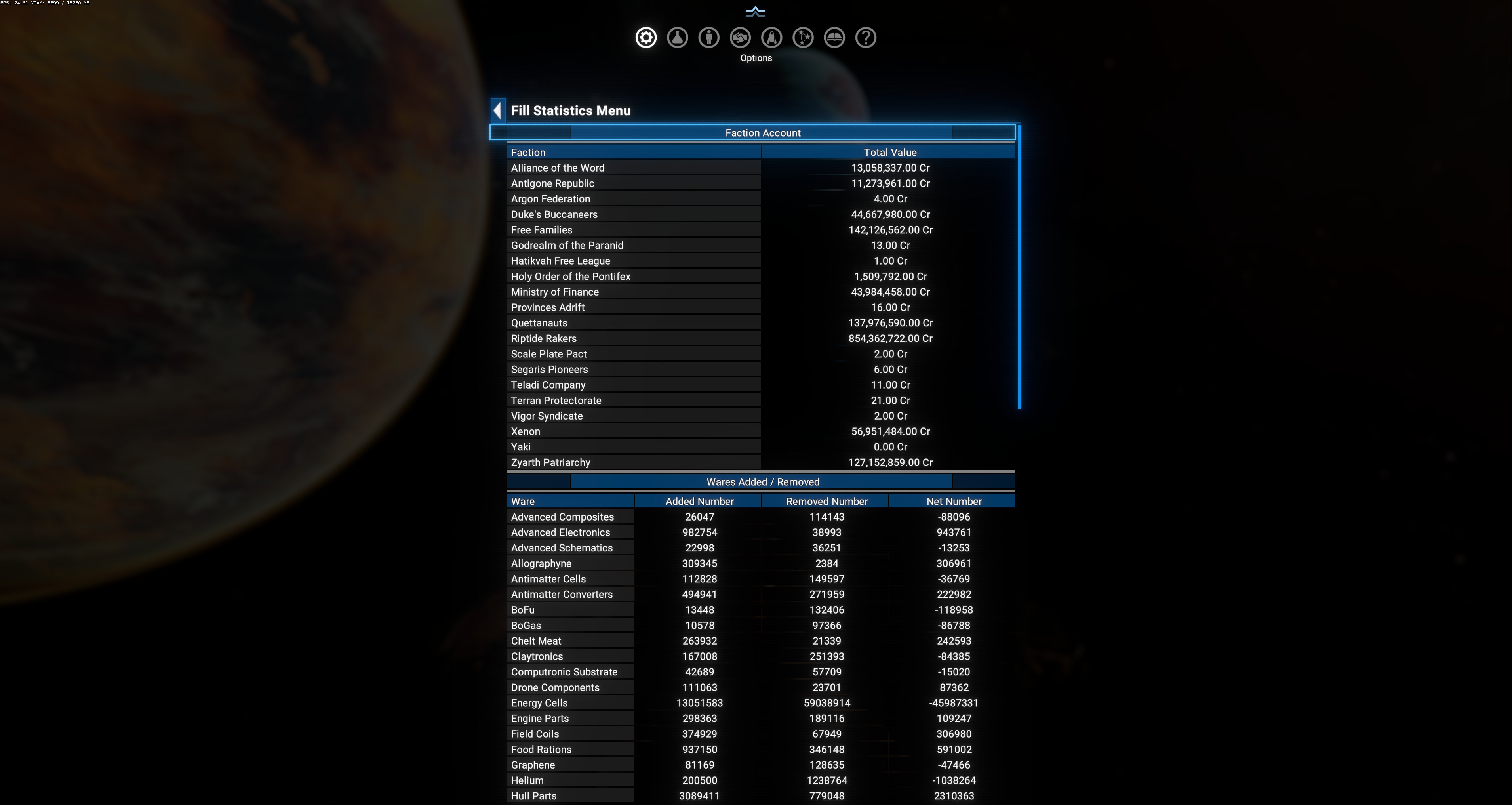
Fill Statistics Menu (from Information)
The same menu as DA Fill → Fill Statistics Menu — but reachable via DA Information Menus as well as via DA Fill’s sub-menu.
Why two entry points?
Section titled “Why two entry points?”DA menu design consolidates diagnostic reports in DA Information Menus while also keeping feature-specific submenus accessible from each feature’s configuration page. Fill Statistics is one of two reports that appears in both places (the other is Progress Menus for Blueprint Analysis).
Full documentation lives on the primary page: DA Fill → Fill Statistics Menu — go there for the 3 sections (Faction Account balances, Wares Added/Removed, Ships Modified) and the observed sample-save data.
In-game view
Section titled “In-game view”