Progress Menus
Read-only viewer hub for the current $DABPTracking table. Each category page shows the tracked wares in that class with their scan progress (<current>/<required> or completed).
In-game view
Section titled “In-game view”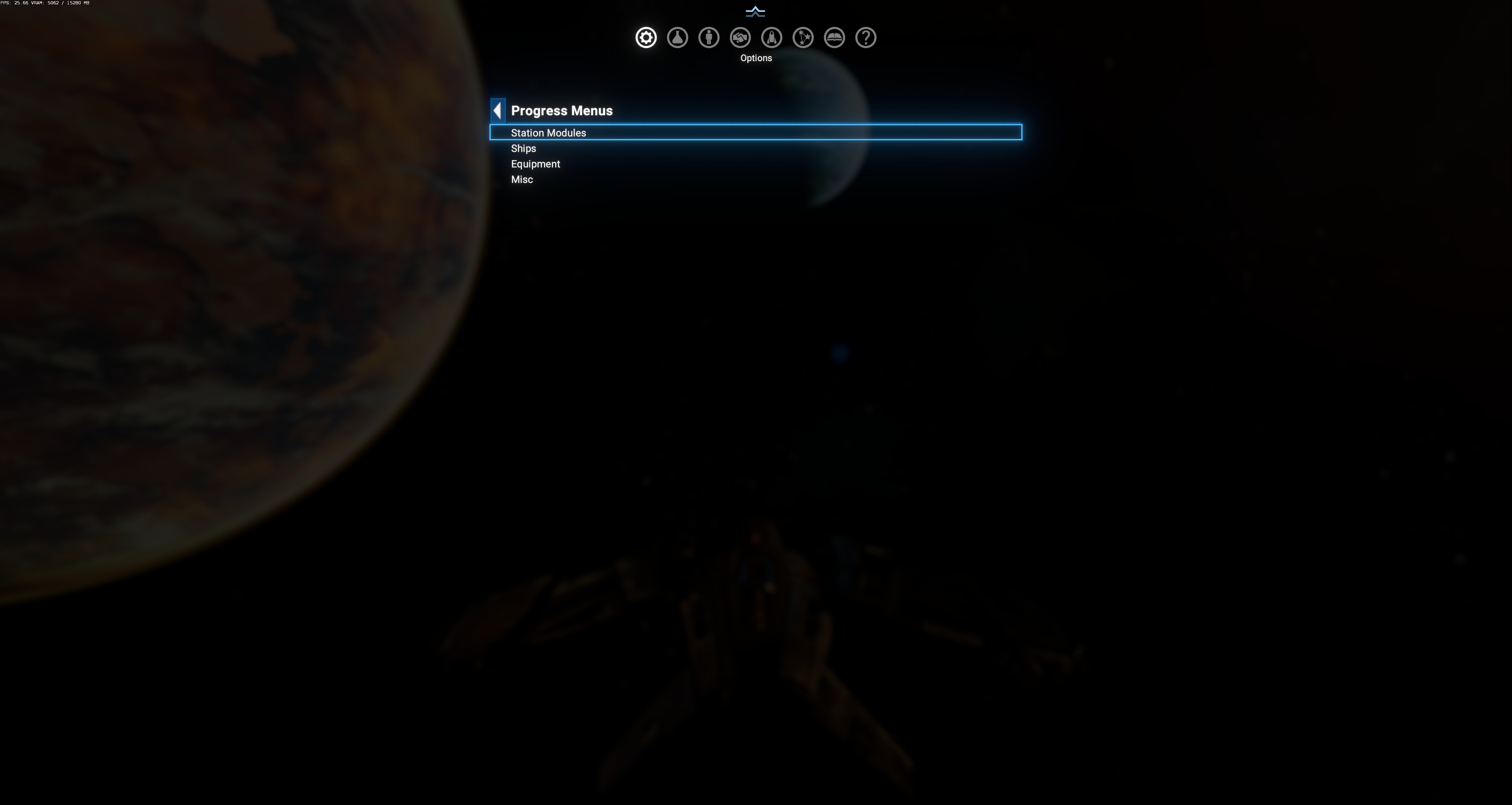
Just a 4-entry navigation list — no options here.
Sub-menus
Section titled “Sub-menus”- Station Modules — 10 module classes (pier, dockarea, production, storage, defencemodule, buildmodule, habitation, welfaremodule, processingmodule, connectionmodule).
- Ships — 5 ship-class buckets (XS/S/M/L/XL). One row per ship variant tracked.
- Equipment — 9 equipment classes (missileturret, turret, missilelauncher, engine, shieldgenerator, weapon, satellite, missile, countermeasure).
- Misc — everything not fitting the above (mines, lockbox, nav beacon, resource probe, tracker mine, venture platform, wide area sensor array).
Progress format
Section titled “Progress format”Every row is one ware with two columns:
| Column | Meaning |
|---|---|
| Ware | Localized ware name (e.g. Argon 1-Dock Pier, Argon Ares, ARG L Beam Turret Mk1). |
| Progress | Either <remaining> / <required> or completed (green bar). Both numbers come from $DABPTracking.{ware} = [required, remaining]. Progress goes DOWN as you scan — 20/20 = untouched, 0/20 = completed. Once remaining hits 0, the row flips to a green completed bar. |
Ware becomes visible here only after DA has seen at least one scan attempt on it. Ships you’ve never encountered don’t appear — the table is populated dynamically.
Interaction with Scan Settings
Section titled “Interaction with Scan Settings”Rows here reflect the required value at the time each ware was first tracked. If you later change a Scan Settings slider (say raise production from 30 to 50), existing tracked production wares stay at their original 30-target, but wares that later enter tracking use the new 50-target.
Exception: the source has a re-trigger clause (line 11840) that resets $DABPTracking.{ware} to [new_req, new_req] if the requirement mismatches — so slider changes CAN back-propagate to already-tracked wares, restarting them from 100%.